Living Code
Calm slate. Living color.
:colorscheme living-code-night53 ports, 4 flavors, MITMade by ElliotLuque
A color scheme for the tools you make your own. Quiet backgrounds let the important details stand out, with a familiar palette wherever you use it.
See it where
you work.
Real screenshots, not mockups: each app running with Living Code installed. They follow the flavor you pick.
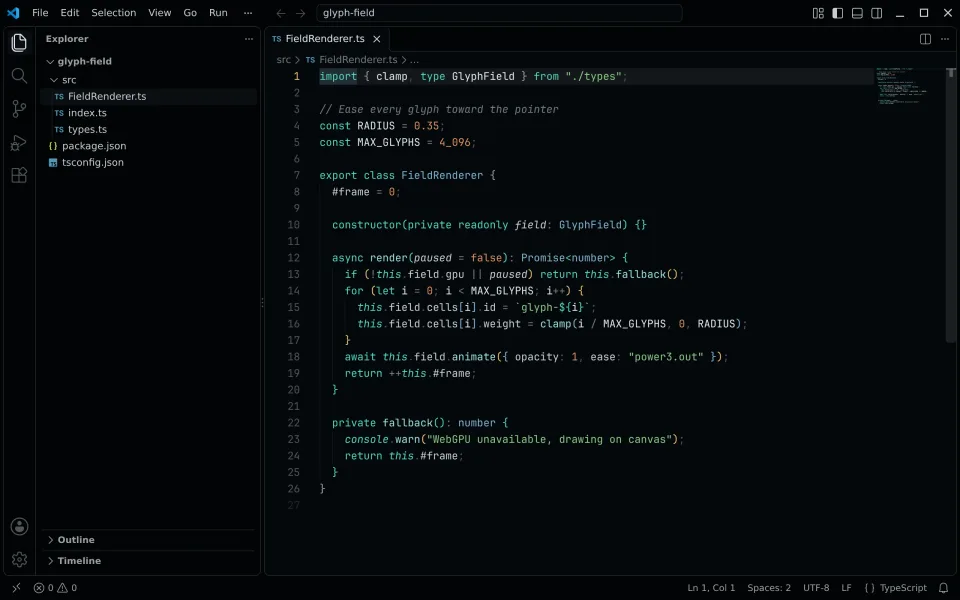
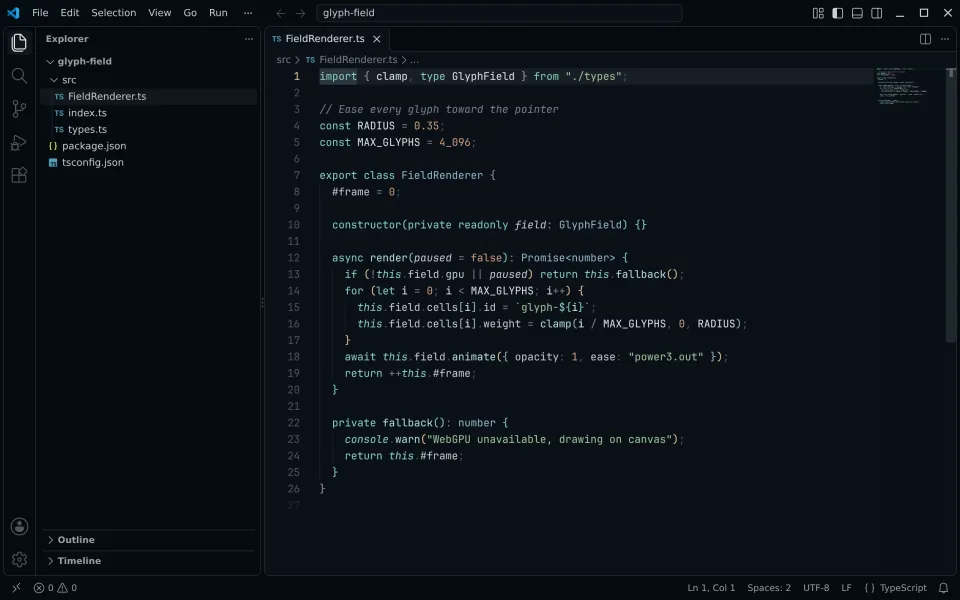
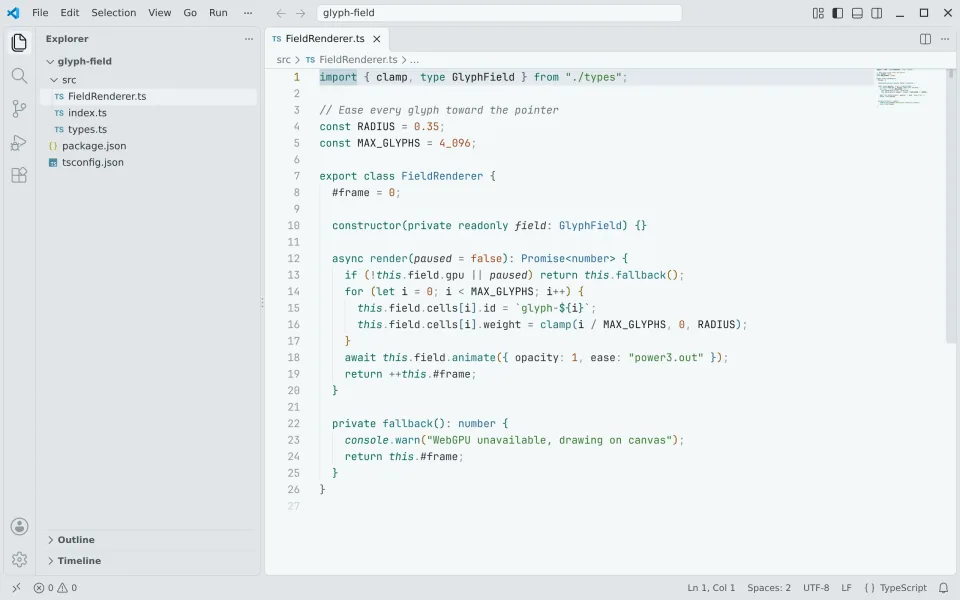
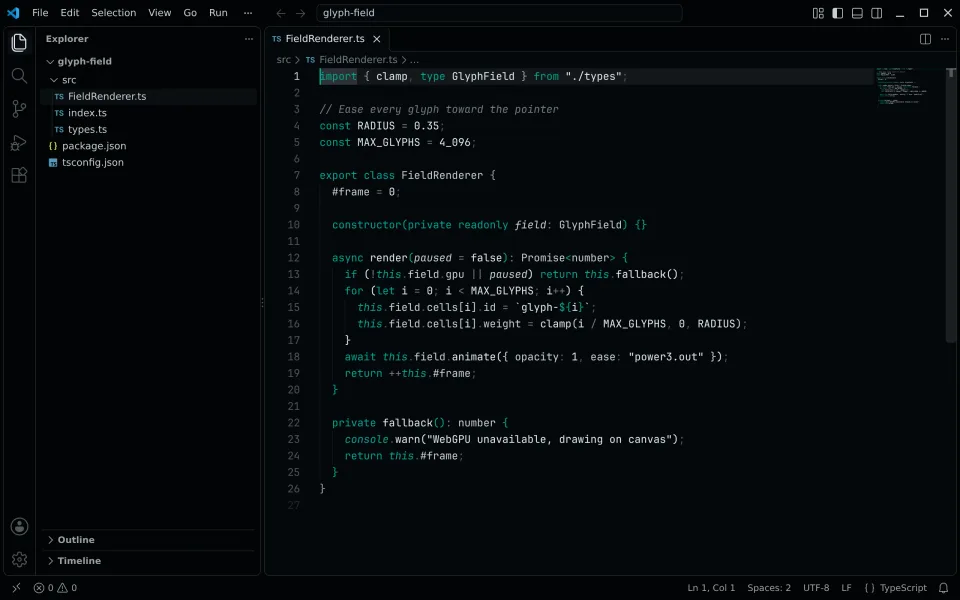
VS Code
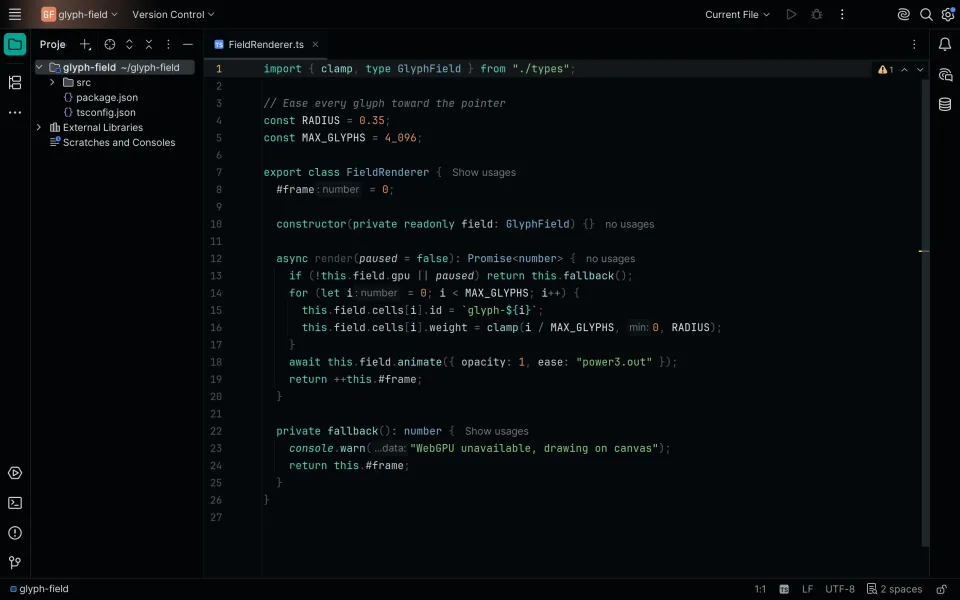
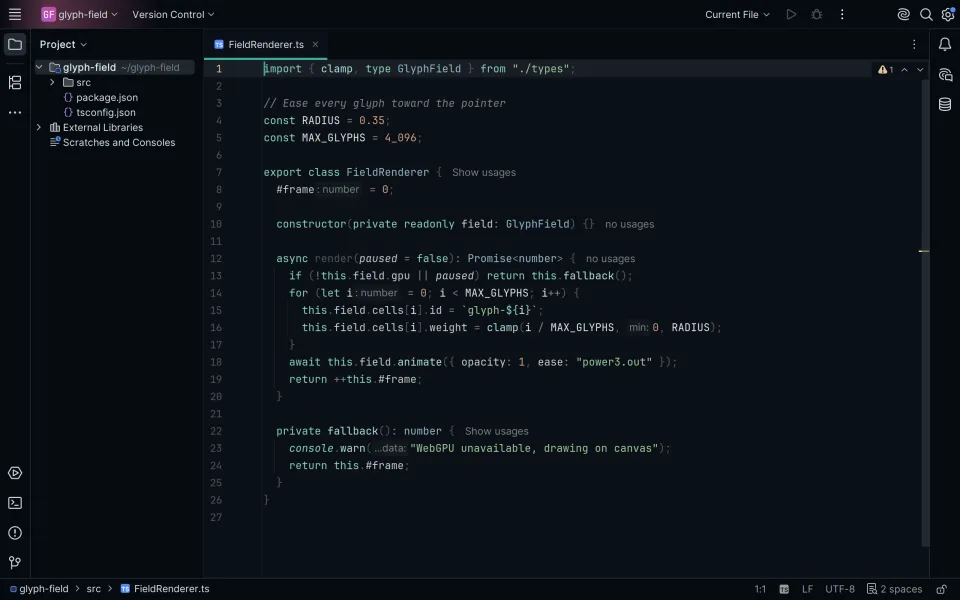
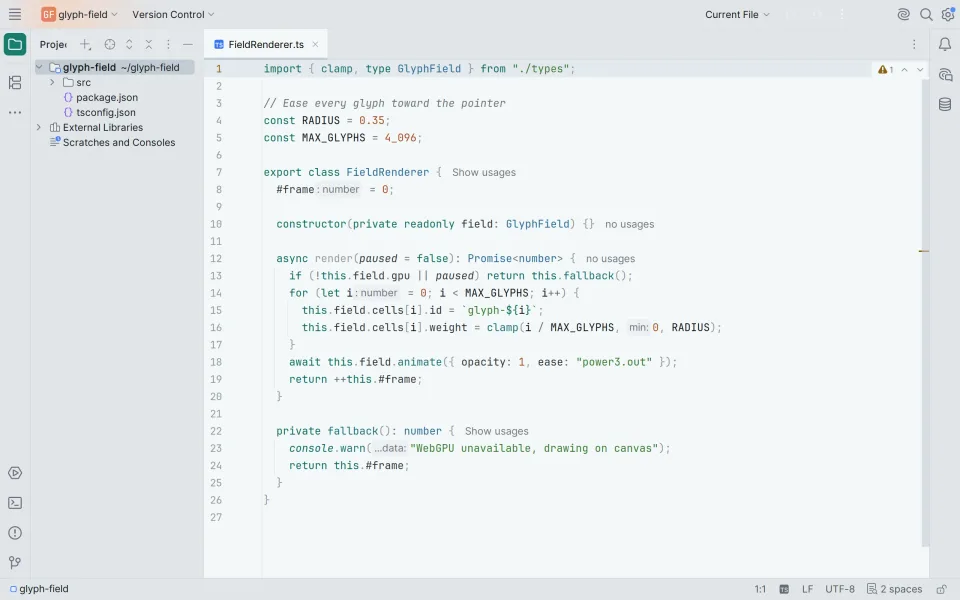
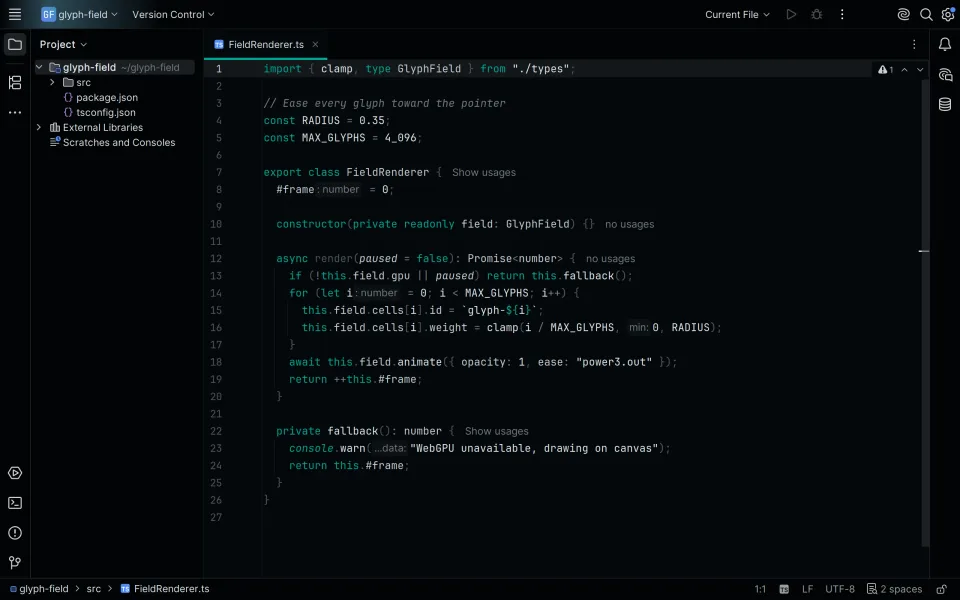
IntelliJ IDEA
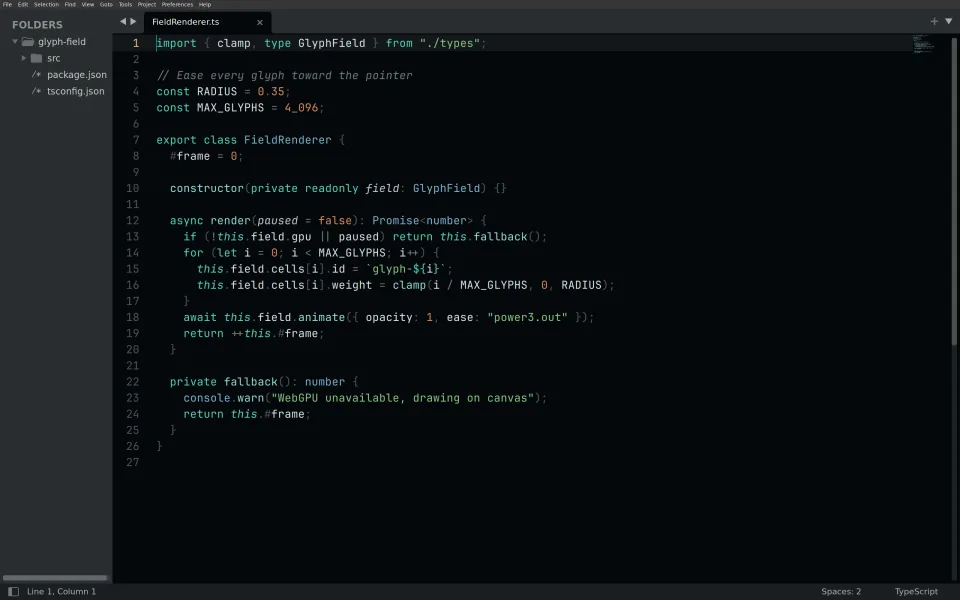
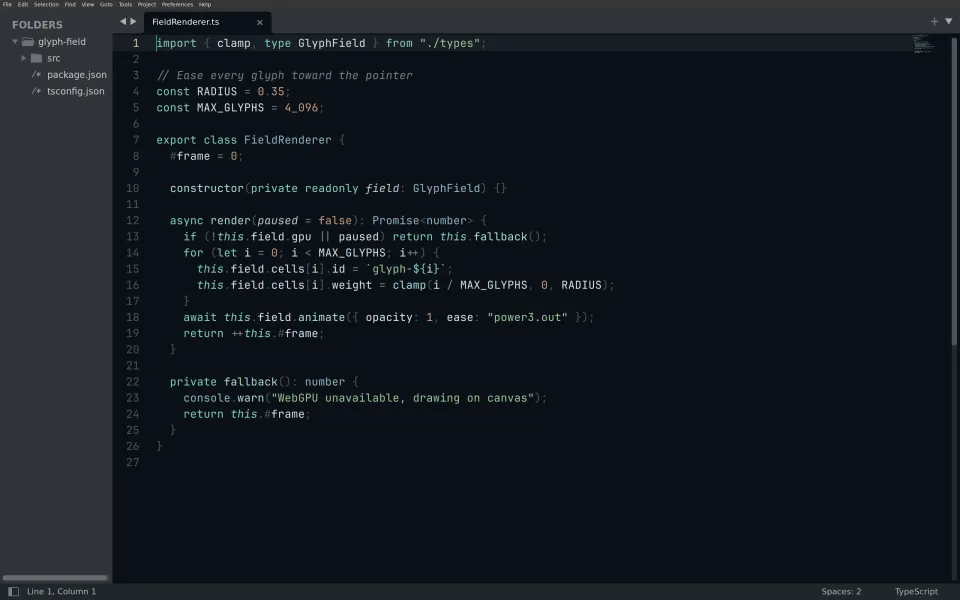
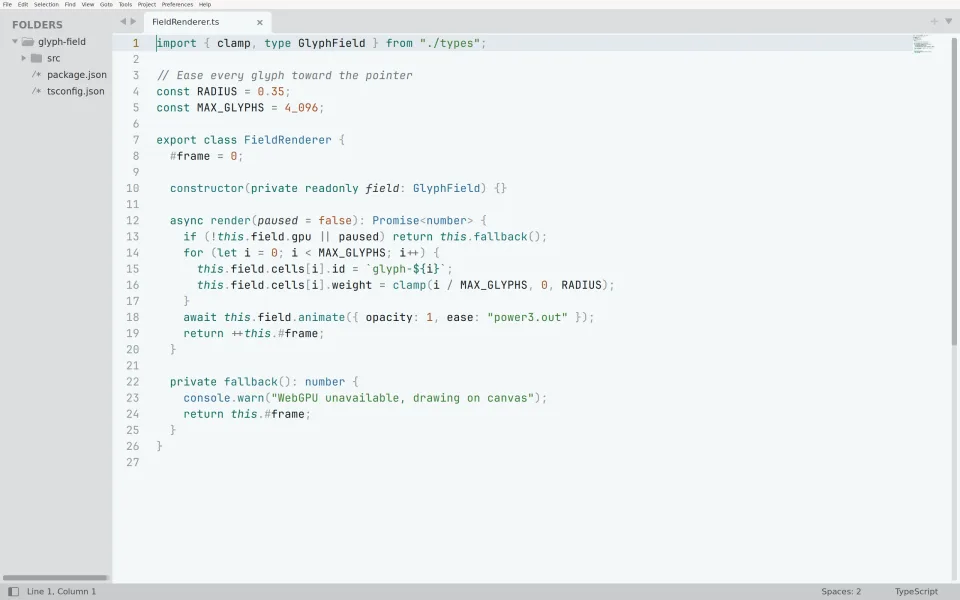
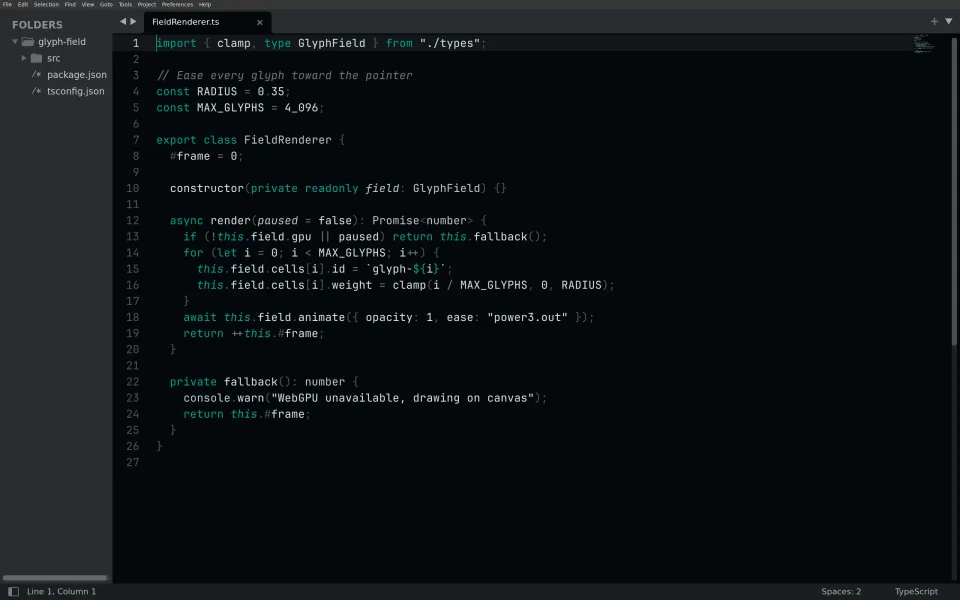
Sublime Text
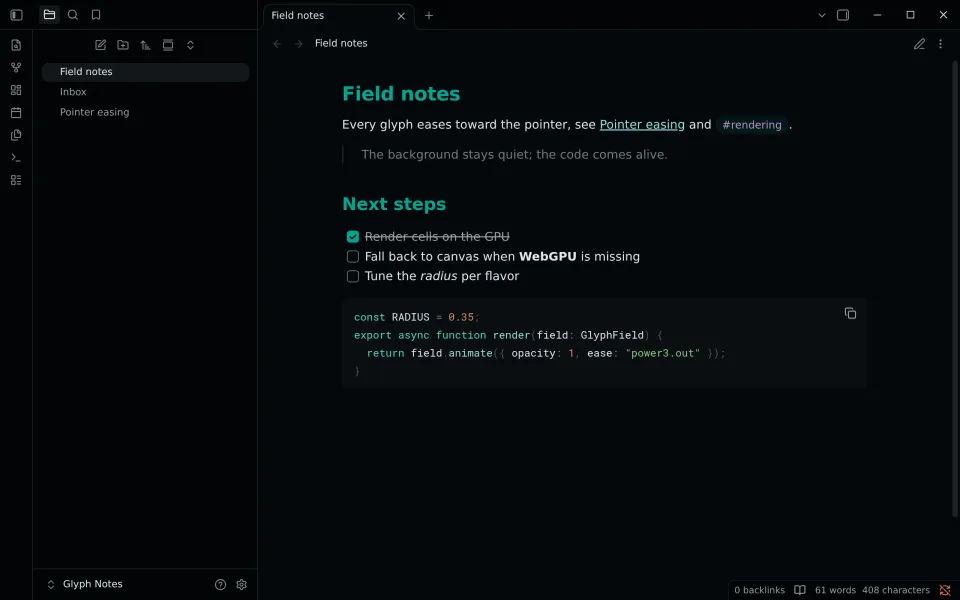
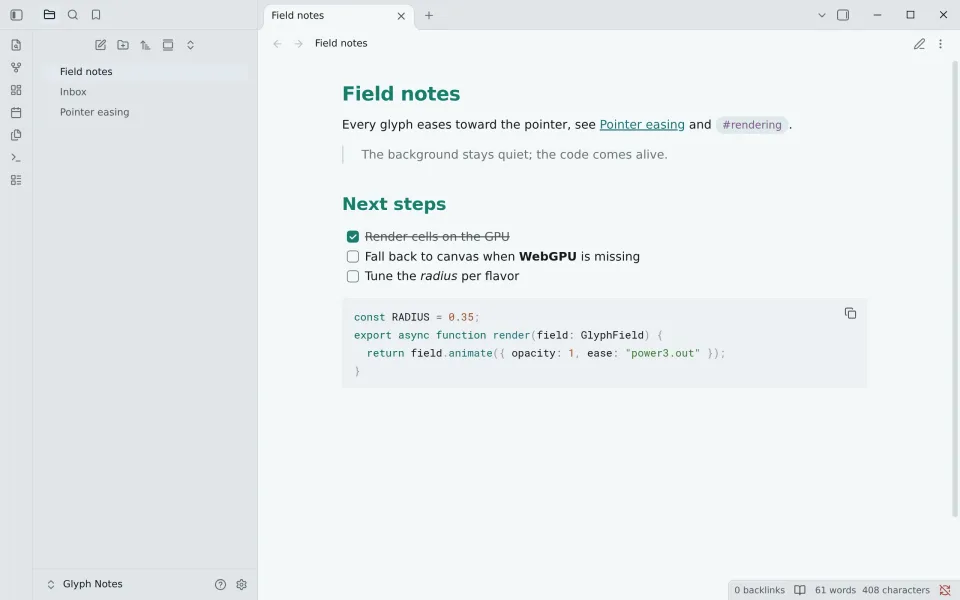
Obsidian
No Frost capture yet, showing Night.
No Signal capture yet, showing Night.
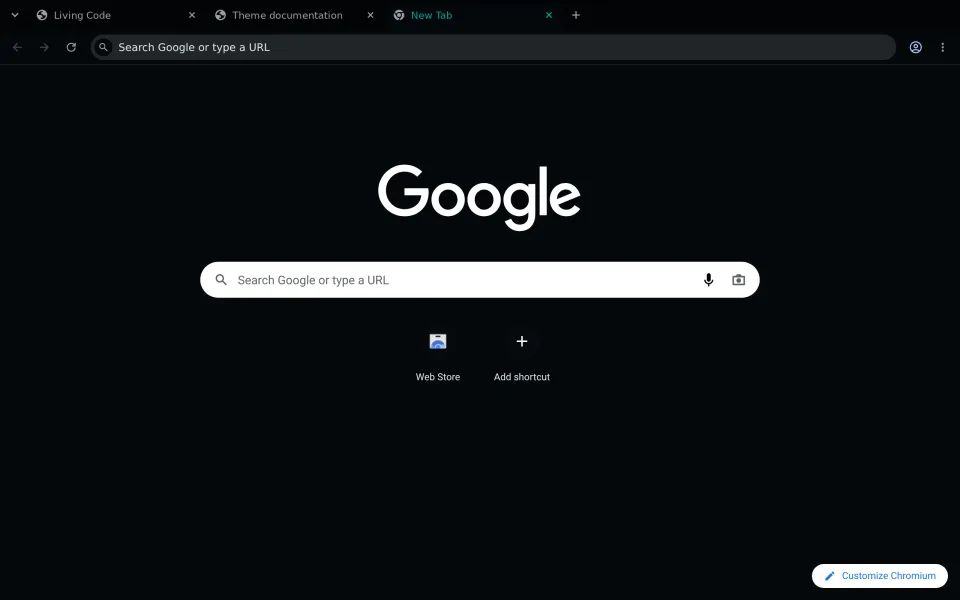
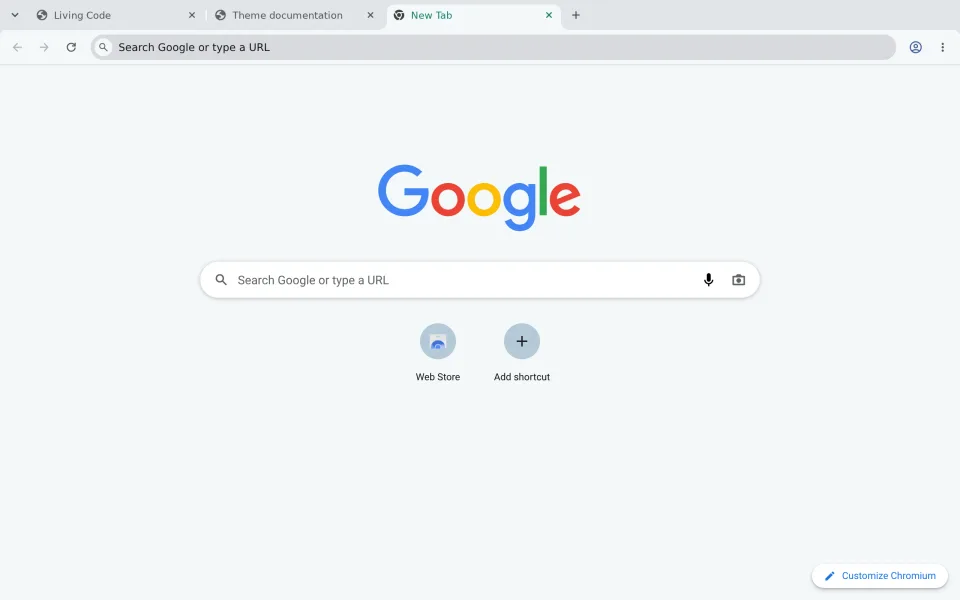
Chromium
No Frost capture yet, showing Night.
No Signal capture yet, showing Night.
Quiet first.
Color on purpose.
Most themes paint everything. Living Code starts from a gray editor and adds color one job at a time. Scroll, and watch this file get its colors.
night.ts // Fails the build when a text role drops below AA. import { contrast } from "./color.mjs"; Hconst AA = 4.5; Used once let checked = 0; @flavor("night") export class Night extends Flavor { ground = [0.13, 0.01, 240]; check(role: Role, min = AA) {E const ratio = contrast(this.colour(role), this.ground); No property colourI if (ratio < min) throw new Error("below AA: " + role); Runs at build time checked += 1;W return true; Always true } }Start from slate.
Background, panels, selection and comments share one hue at almost no chroma. Only the lightness steps, so nothing behind the code competes with it.
0.100.140.920.100.130.170.970.130.160.200.950.160.200.230.930.200.250.280.880.250.320.350.840.320.450.450.680.450.580.610.550.580.700.700.450.700.850.850.320.850.930.930.200.93Teal for structure.
Keywords, functions and types take the cool hues: the parts you navigate by.
keyword mintmintminttealfunction aquaaquaaquatexttype steelsteelsteeltext2
Warm for data.
Strings, numbers and constants take the warm ones: the values you read.
string mossmossmosstextnumber coppercoppercoppertextconstant coppercoppercoppertext
Signals stay apart.
Errors, warnings, info and hints each get a hue and a sign of their own, so you can tell them apart at a glance or without color at all.
error flareflareflaretextwarning amberamberambertext2info steelsteelsteeltext2hint mintmintminttext2
One palette.
Four flavors.
Every flavor is the same roles on a different ground. Pick one and this whole site repaints in it, the way your editor will.
Living Code Night
The default. Dark slate ground, teal structure, green strings and gray comments. Amber warnings and copper numbers keep their warm contrast.
- Lowest text contrast
- 4.71:1 comment
- Highest
- 16.4:1 text
- Ground
oklch(0.13 0.01 240)
Living Code Frost
Night on a lifted, bluer slate with a third less chroma. Calmer for long sessions; the warm/cool split survives at low saturation.
- Lowest text contrast
- 5.05:1 comment
- Highest
- 15.6:1 text
- Ground
oklch(0.17 0.015 245)
Living Code Paper
Daylight. Same two temperatures on near-white slate, lightness inverted so every syntax color keeps WCAG AA contrast.
- Lowest text contrast
- 4.50:1 comment
- Highest
- 16.8:1 text
- Ground
oklch(0.975 0.004 240)
Living Code Signal
A minimal variant of Night with a single accent. Teal marks keywords, tags and focus; everything else stays on the slate ramp. No warm literals or multicolor diagnostics.
- Lowest text contrast
- 4.71:1 comment
- Highest
- 16.4:1 text
- Ground
oklch(0.13 0.01 240)
| Accent | L | C | h |
|---|---|---|---|
| teal | 0.650.670.530.65 | 0.150.100.090.15 | 180180180180 |
| mint | 0.800.820.470.65 | 0.120.080.080.15 | 180180182180 |
| aqua | 0.860.880.500.93 | 0.070.050.070.01 | 192192200240 |
| steel | 0.750.770.500.85 | 0.070.050.090.01 | 232232240240 |
| amber | 0.830.850.530.93 | 0.120.070.100.01 | 787875240 |
| copper | 0.720.740.520.93 | 0.120.080.120.01 | 484845240 |
| flare | 0.670.690.520.93 | 0.170.110.130.01 | 252525240 |
| moss | 0.780.800.520.85 | 0.120.080.120.01 | 142142142240 |
| orchid | 0.720.740.520.65 | 0.100.070.100.15 | 318318318180 |
| rose | 0.800.820.520.85 | 0.060.040.060.01 | 350350350240 |
Angle is hue, distance from the middle is chroma. Rings at C 0.05, 0.10 and 0.15.
53 ports.
Nothing to clone.
Only published ports are listed here, with installation instructions from their own repositories. More apps will join as their ports are published.
Editors7
AI & Agents8
Terminals10
CLI & TUI19
Browsers2
Apps2
Web & code4
Theme systems1
No port for “” yet. Any app can still follow the theme: read palette.json or map the semantic roles onto its color slots.
A few things
before you switch.
Which flavor should I start with?
Night, unless you have a reason not to. It is the default: dark slate and the full palette. Frost takes a third of the chroma out for long sessions, Paper is for daylight, and Signal keeps one accent and lets slate do the rest. Try them above and this page repaints.
Does every port include all four flavors?
51 of 53 do. Both browser themes ship Night and Paper only: a browser theme colors little more than backgrounds, borders and one accent, so Frost and Signal would look like Night there. Each port's page lists the flavors it ships.
Do I need to clone the repository?
No. Each app installs the way it normally installs things: from its marketplace or built-in theme list where one exists, otherwise with one command you copy from the port's page.
What do the contrast checks cover?
Every color used for text: the foreground, the syntax roles, diagnostics, links and the active line number, 24 roles in all. The build fails if any of them drops below 4.5:1 (WCAG AA) against its flavor's background. Colors that are not text, such as borders, selection and inactive line numbers, are not held to it.
My app isn't listed. Now what?
Request a port and name the app. Meanwhile, anything with color settings can follow the theme: map the semantic roles onto its slots or read the values from palette.json. If you build one, contributing a port explains how to add it.