AndroidTreeView
====================
### Recent changes
2D scrolling mode added, keep in mind this comes with few limitations: you won't be able not place views on right side like alignParentRight. Everything should be align left. Is not enabled by default
### Description
Tree view implementation for android
[](https://android-arsenal.com/details/1/1534)
### Demo
[](https://play.google.com/store/apps/details?id=com.unnamed.b.atv.demo)
### Features
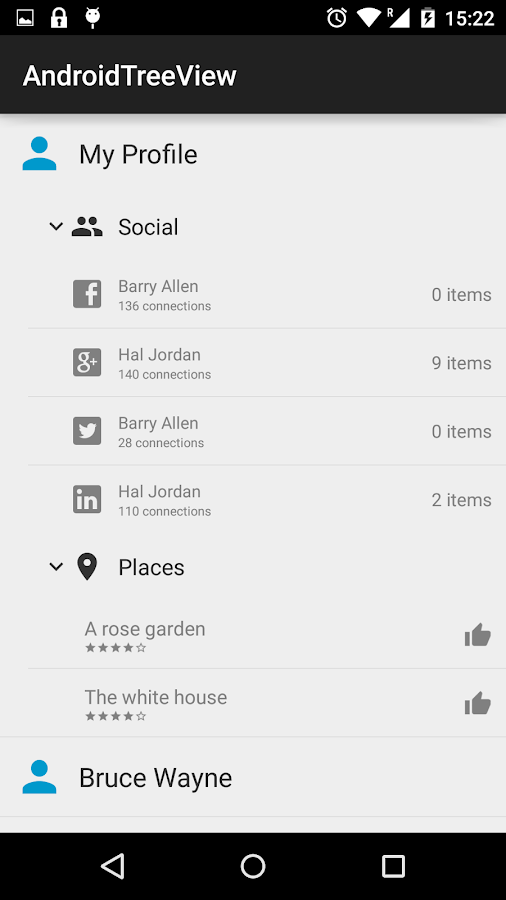
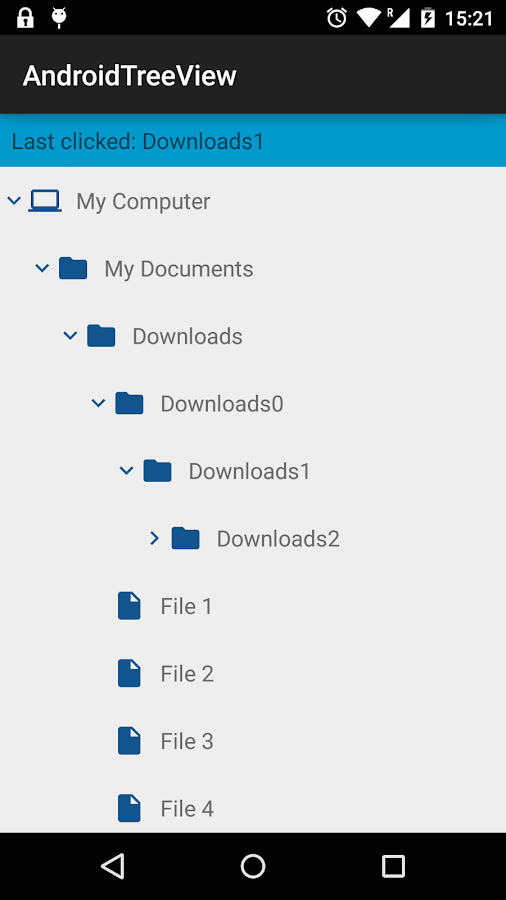
+ 1. N - level expandable/collapsable tree
+ 2. Custom values, views, styles for nodes
+ 3. Save state after rotation
+ 4. Selection mode for nodes
+ 5. Dynamic add/remove node
### Known Limitations
+ For Android 4.0 (+/- nearest version) if you have too deep view hierarchy and with tree its easily possible, your app may crash

### Integration
**1)** Add library as a dependency to your project
```compile 'com.github.bmelnychuk:atv:1.2.+'```
**2)** Create your tree starting from root element. ```TreeNode.root()``` element will not be displayed so it doesn't require anything to be set.
```java
TreeNode root = TreeNode.root();
```
Create and add your nodes (use your custom object as constructor param)
```java
TreeNode parent = new TreeNode("MyParentNode");
TreeNode child0 = new TreeNode("ChildNode0");
TreeNode child1 = new TreeNode("ChildNode1");
parent.addChildren(child0, child1);
root.addChild(parent);
```
**3)** Add tree view to layout
```java
AndroidTreeView tView = new AndroidTreeView(getActivity(), root);
containerView.addView(tView.getView());
```
The simplest but not styled tree is ready. Now you can see ```parent``` node as root of your tree
**4)** Custom view for nodes
Extend ```TreeNode.BaseNodeViewHolder``` and overwrite ```createNodeView``` method to prepare custom view for node:
```java
public class MyHolder extends TreeNode.BaseNodeViewHolder