Remix programs#78
Conversation


It sounds like you tried it and it got pretty complicated, but would it be possible to keep the user in Mission Control and replace the program with their new, editable one? Scratch and Glitch do that, and it's really nice to go straight from viewing someone else's to editing your own copy. If it's way too hairy, we can punt on it. |

|
It did get complicated so I wanted to get your thoughts on this approach. One idea that I had was to just have the program list immediately load the new program and redirect the user back to mission control. I can try that and see what the user experiences. |
|
@aninternetof I figured out the right way to accomplish this with leaving the user in Mission Control. The read only state was moved to redux so that the workspace and program name components can render on a change. The Blockly workspace must be removed and re-created to change the read only state: https://groups.google.com/forum/#!topic/blockly/NCukwTKMR0U |

 hbradio
left a comment
hbradio
left a comment
hbradio
left a comment
There was a problem hiding this comment.
Great work! Thanks for doing the extra rework!
|
Hm. I created two users. Every program I create for user
This could be another symptom of the state not clearing when I log out? I'll play with it a bit more when I get home. |

|
I figured out that I was running an old version of the API, which was ignoring my query filters. So there's no problem with the UI, and this is good to merge! |
2 participants


Closes #64
Depends somewhat on rovercode/rovercode-web#239 for name conflict resolution.
Adds a
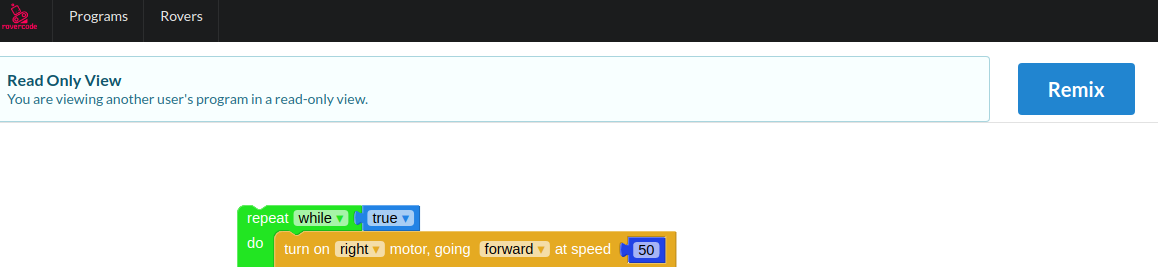
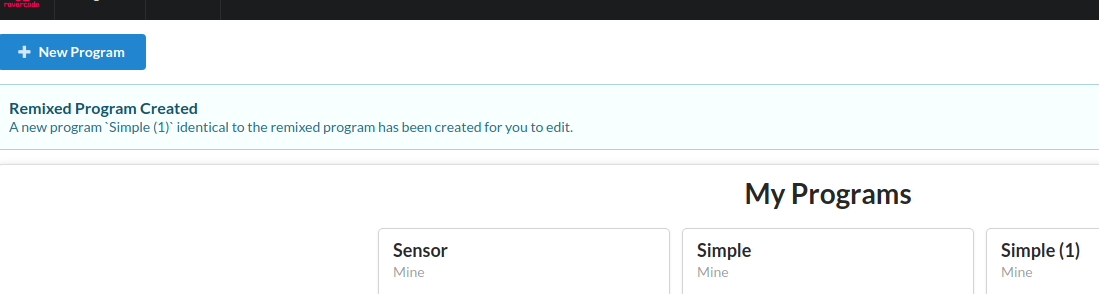
Remixbutton when viewing a program in read-only mode:When clicked, the program is copied for the current user. The user is redirected back to the programs list with a message indicating that the remix is complete:
The user can now edit the program like any other owned program.
This seemed like the safest way to handle all of the state change through mission control when a new program is loaded and is now writable.