- It is a text Editor Written in Python
- Python
-
Important Python Must Be Installed in your machine.
-
Fork this repository in your main repostiory
-
Now from your repositories clone this repositories in your local machine
-
Now search for Text-Editor Folder
-
Now run the file text.py
-
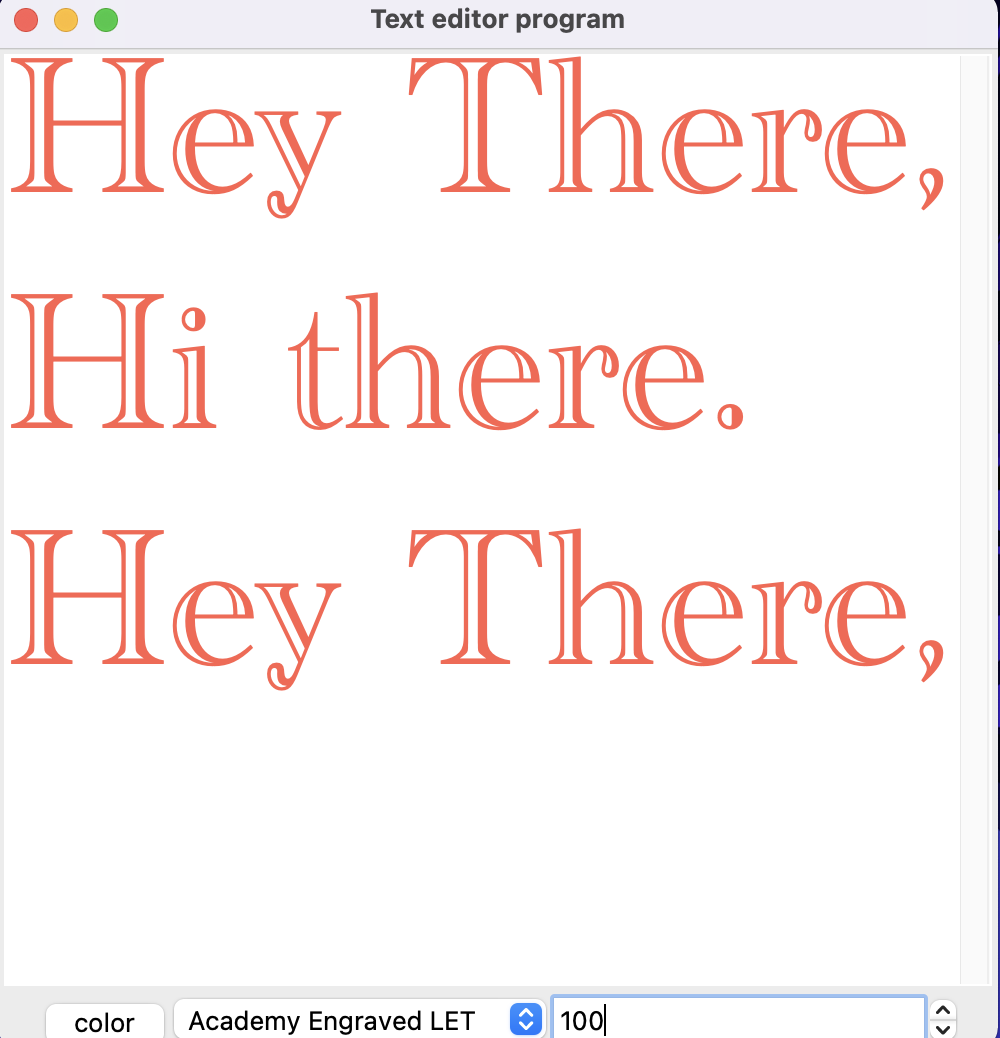
When there is enlarged text:-
-
-
To make it enlarged:
-
First enter the size you need.
-
Then select the font type.
-
When there is Normal Text:
-
Just Works as Normal Text Editor.
-
How to change color of the text we are working on:-
-
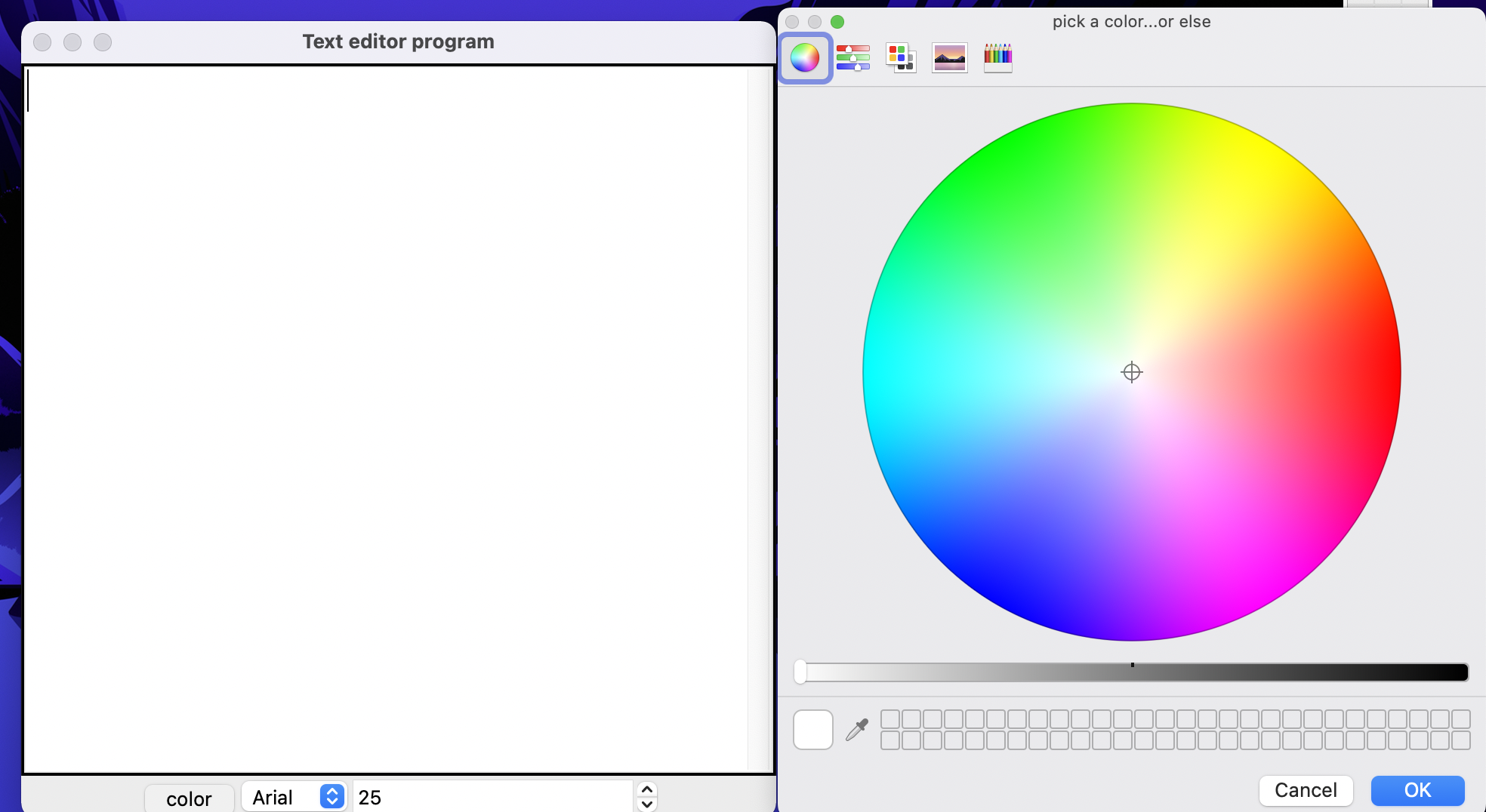
A Color picker like this will emerge:
-
-
During Color Selector we cannot write anything in the file.
-
After selecting we can write.
-
Or previously we can write and then change color and the color will be changed.

