Repository navigation
Initializing models from runs, dependency issues #1005
Description

Description
Hi, I'm encountering the following error when trying to initialize a model from Run ID:
ValueError: Trying to deserialize a model with dependency sklearn==0.21.dev0 not satisfied.
Specifically:

I tried installing openml from the dev branch...
! pip3 install git+https://github.com/openml/openml-python@develop...but that doesn't do the trick.
On the other hand, if I hone in on a model/pipeline containing the exact same sklearn that I have, I get another error:

I'm not sure what to do about this. Any hints?
Versions

Thanks!
Activity
PGijsbers commentedon Nov 18, 2020
Not being able to reinitialize a
scikit-learn 0.21.dev0model when that package is not installed is intended default behavior.However I think we should allow loose reinitialization as we do with the
flow_to_model. I created a branch that allows this (loose_initialization). The following code will hopefully allow you to reinitialize the model (provided all dependencies are installed):I used a different run as the one you provided had a dependency (
hpo4svm) that I did not have installed. Please see if this work on theloose_initializationbranch helps you.@mfeurer I also noticed there is very little documentation on the scikit-learn extension. We should probably include the Extension interface methods (e.g.
flow_to_model).arpasan commentedon Nov 18, 2020
Thanks @PGijsbers for answering. That's the exact same code that broke for me earlier though. (And I'm afraid it gives the same kind of an error message.)
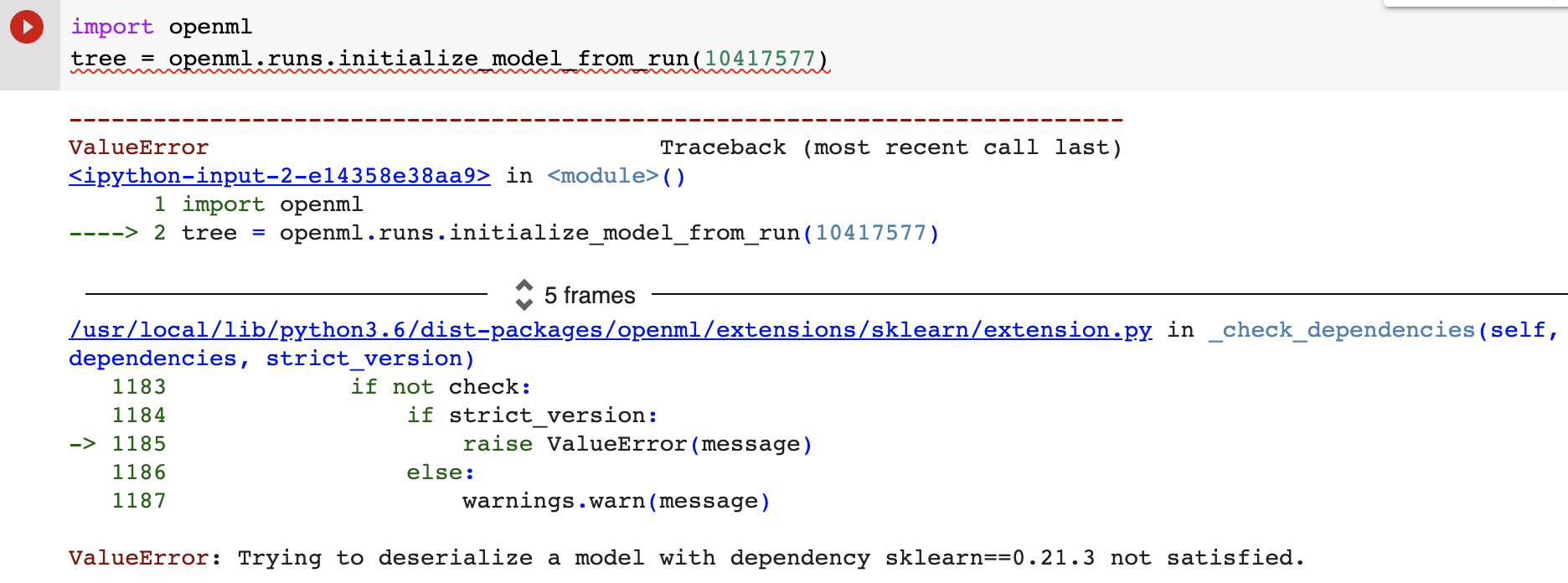
Also, why then when I sort for the exact same
sklearnI've got, I still get the following <ValueError: Cannot parse dependency sklearn==0.22.2.post1> error? Thanks again!PGijsbers commentedon Nov 18, 2020
Yes, the code I posted only works when you are working with the
loose_initializationbranch. I created it specifically because you raised this issue. You can install it from the repo (after agit checkout loose_initializationor with a pip install through git:I can't tell why you are unable to reinstantiate a
0.22.2.post1run eventhough you have it installed. That requires some additional looking into (which unfortunately I don't have the time for right now, so I hope the branch with non-strict initialization is sufficient for now).arpasan commentedon Nov 19, 2020
Excellent, thanks @PGijsbers. I get a different error now, which I think is a progress though:
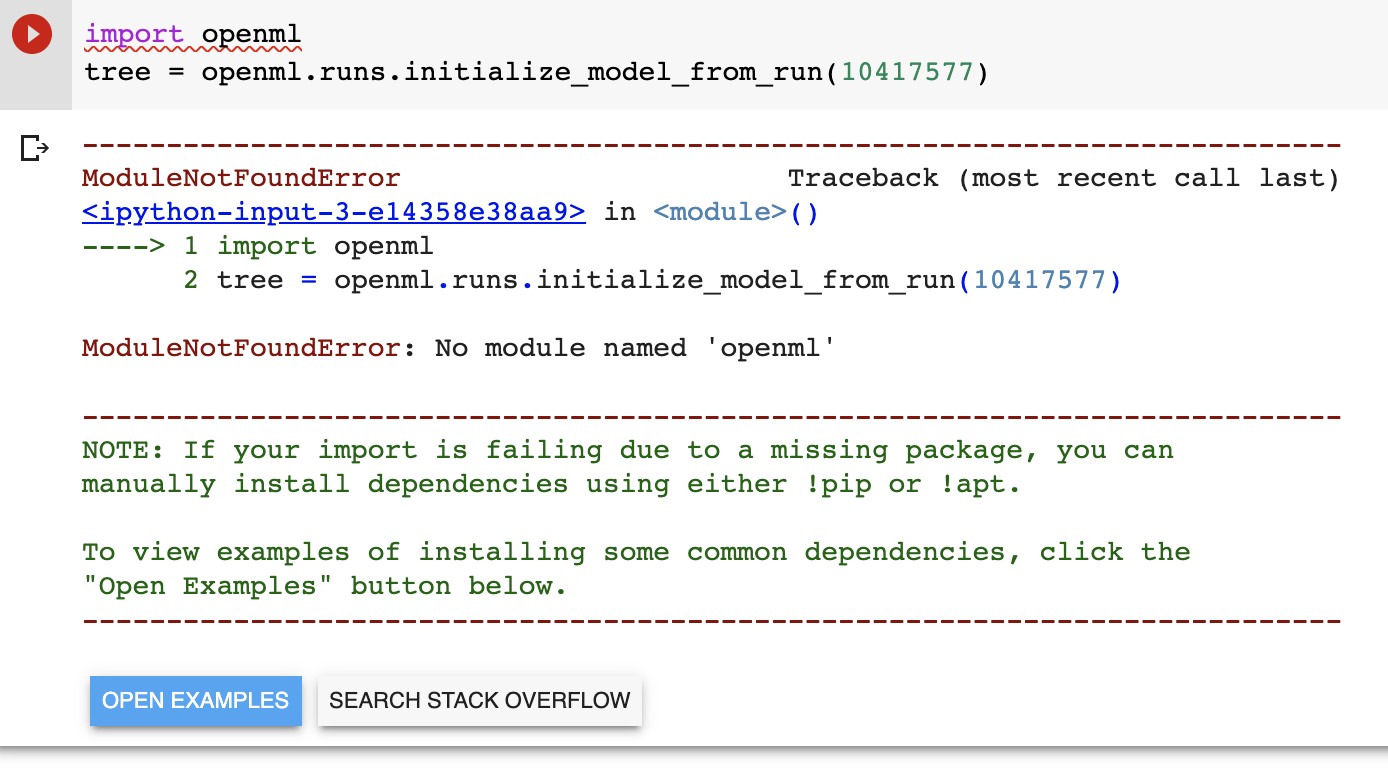
Installing from the repo seems to work though so I'm not sure why it can't locate the
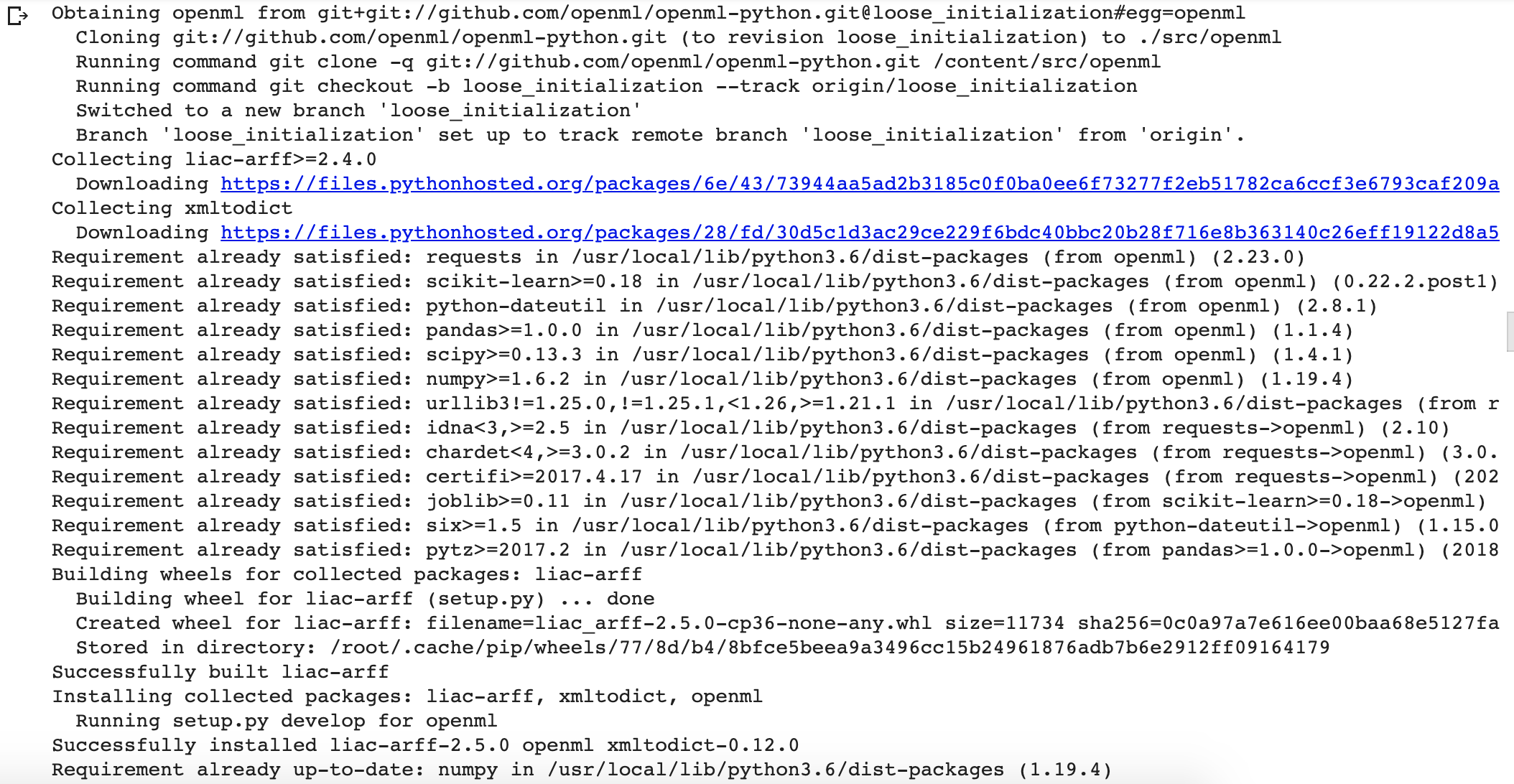
openmlpackage?PGijsbers commentedon Nov 19, 2020
It looks like you are running from a notebook. I think the most likely scenario is that you are not using the environment that you installed openml in. Check e.g.
import sys; sys.executableto make sure it is pointing to the right executable. If that looks correct, also try to see if you canimport openmlwhen running Python directly (from the command line). If you can import it, and the jupyter notebook is executed from the same environment, something else is off. I can't give more specific instructions since I don't know your setup, but I hope it helps. And of course a reboot (of the machine or the jupyter server) is always a good last resort 👍 sometimes things just get out of syncarpasan commentedon Nov 20, 2020
Terrific, thanks @PGijsbers. You're right. Turns out
openmlinstalls in another directory as you said. When I check for where by! python3 -m siteand change the instantiation to my directorysys.path.insert(1, 'my_path'), I'm able toimport openmlbut then I'm back at the original dependency error which pops up again. Which is curious. Should that not have been fixed by installing from theloose_initializationbranch? Thanks, and sorry for all the questions.PGijsbers commentedon Nov 20, 2020
Ah, I am so terribly sorry. I forgot to update the example code snippet. I am not on my dev pc right now, but I believe it should be:
Notice the
strict_versionargument, the default isTruewhich means old behavior is maintained unless specified otherwise.arpasan commentedon Nov 20, 2020
Stupendous, passing the
strict_versionargument into the function does the trick! Thanks very much, this has been very helpful. Much obliged.