Repository navigation
Error throw every time an opening bracket is written #465
Description

Prerequisites
- Please make sure to properly configure plugin first if you simply cannot see any completions.
- It's always helpful if you include debug logs with your issue:
- Go to package settings to enable them

- Open
dev toolsusing command palette and you should see someautocomplete-pythonrecords in console tab. This will include parts of your code – make sure to remove everything you don't want to share.
- Go to package settings to enable them

Steps to Reproduce
- Write a bracket, e. g.:
variable = ()
variable = []
variable = {}
Expected behavior:
No error to be displayed.
Actual behavior:
Error is throw every time by autocomplete-python

No issues with function definitions and calls, the issue seems to be triggered when single bracket is being written (like when using list comprehensions or declaring variables).
Error text:
autocomplete-python traceback output:

Traceback (most recent call last):
  File "/home/driuba/.atom/packages/autocomplete-python/lib/completion.py", line 381, in watch
    self._process_request(request)
  File "/home/driuba/.atom/packages/autocomplete-python/lib/completion.py", line 349, in _process_request
    return self._write_response(self._serialize_tooltip(
  File "/home/driuba/.atom/packages/autocomplete-python/lib/completion.py", line 275, in _serialize_tooltip
    'line': definition.line - 1,
TypeError: unsupported operand type(s) for -: 'NoneType' and 'int'
OS info:

Atom info:

autocomplete-python info:

P. S.
Other functionality works as expected without issues. The error message does not seem to be critical, however it is very annoying as it spams a lot.
Activity
Danielnewheart commentedon May 13, 2022
I have the same problem. I use MacBook Pro 2015, Monterey 12.1, and the same version of atom.
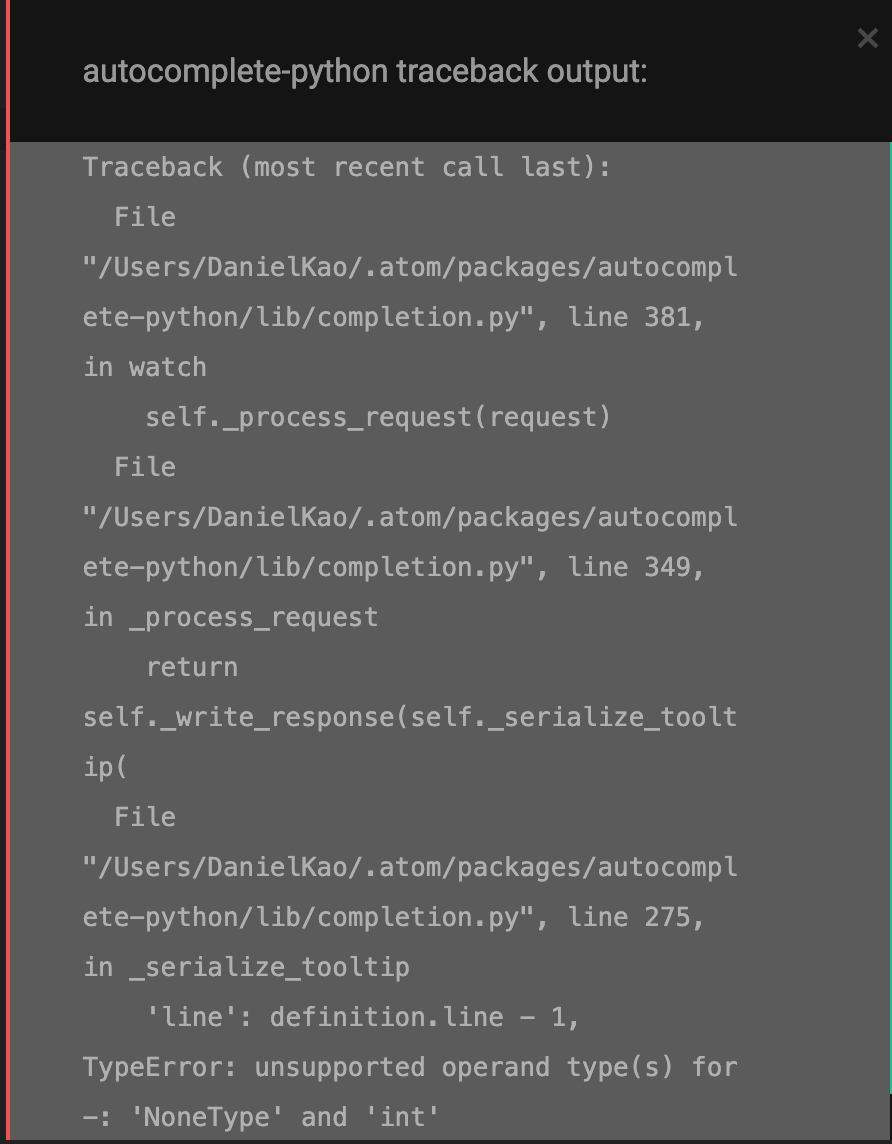
It's really annoying to me, hoping someone can solve this problem
.
Rewrite for Pulsar as 2.0