Subfish: Search youtube channels for spoken words, export clips to Premiere/DaVinci Resolve timeline
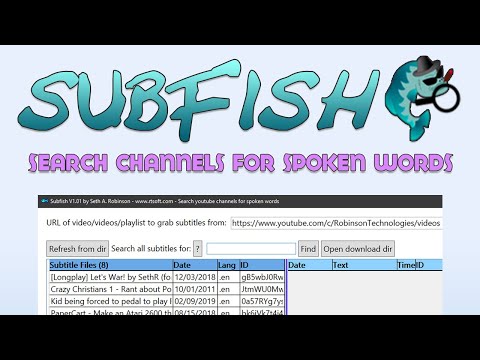
(Above is a video kind of showing how it works)
- Download all subtitles from a channel or playlist
- Search subtitles for keywords (regex supported)
- Export video timeline of all found clips as .EDL for Premiere or DaVinci Resolve (image)
History
-
April 23, 2026 - Updated with latest yt-dlp, works with Youtube again
-
December 22, 2025 - Updated with latest FFmpeg and yt-dlp. Updated to use .NET 9.0 instead of 5.0. verified it works with Youtube again
To run it:
-
Download the latest version of Subfish (in a zip) for Windows.
-
Install the .NET 9.0 Desktop Runtime if you don't have it.
-
Windows 10 only: If you get a WebView2 error, install the WebView2 runtime (Windows 11 has it pre-installed).
For more information, visit its main page.
To compile it:
- Install Microsoft Visual Studio 2022+ (or VSCode I guess) and clone or download this repository
- Install Microsoft.Web.WebView2 from the Tools->NuGet Package Manager->Manage NuGet Packages for Solution, then click on Browse and find it.
- Open subfish.sln, it should compile and run.
It's C# using WPF (Windows Presentation Foundation) with xaml for the GUI.
Patches/suggestions appreciated.
License: BSD style attribution, see LICENSE.md
Credits and links
- Written by Seth A. Robinson ([email protected]) twitter: @rtsoft - Codedojo, Seth's blog
- Thanks to the yt-dlp team
- Thanks to the FFmpeg team