
中国电信面板插件。配合 ChinaTelecomMonitor 使用可无须反复手动获取登录cookie




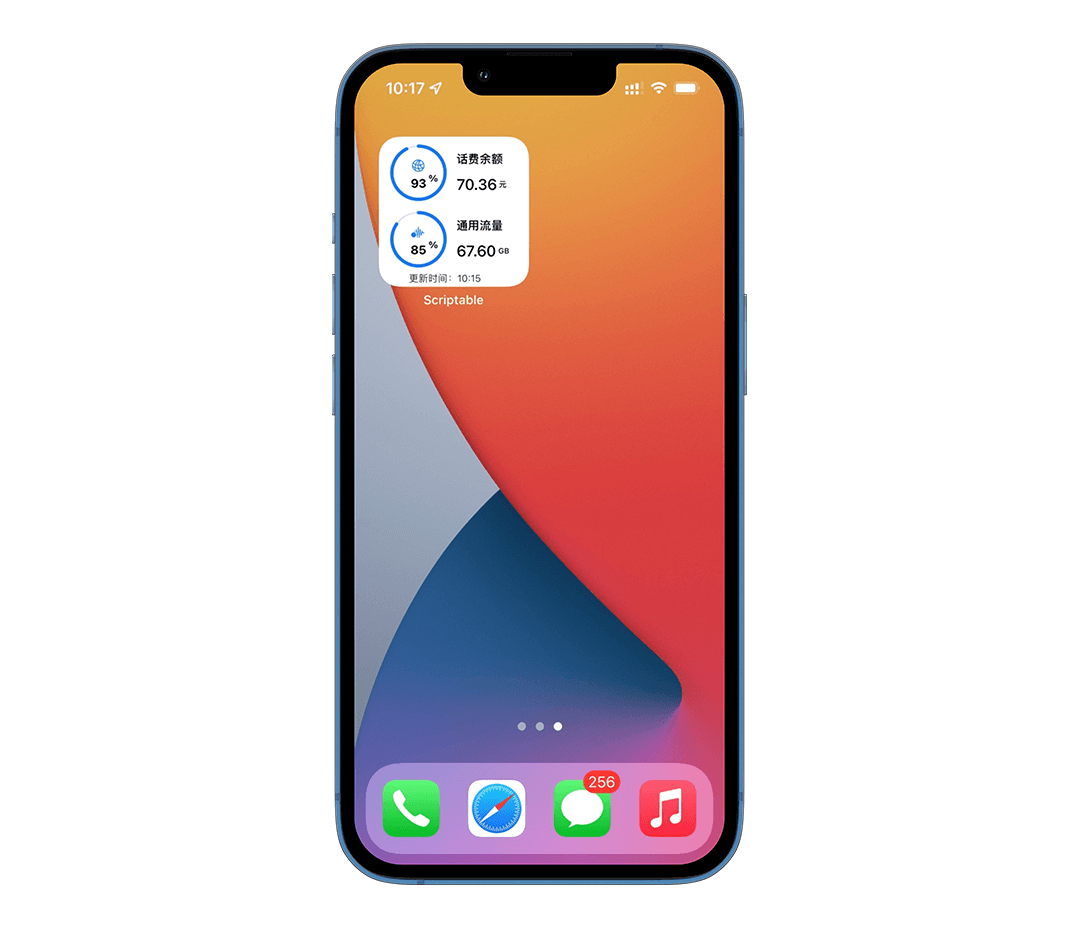
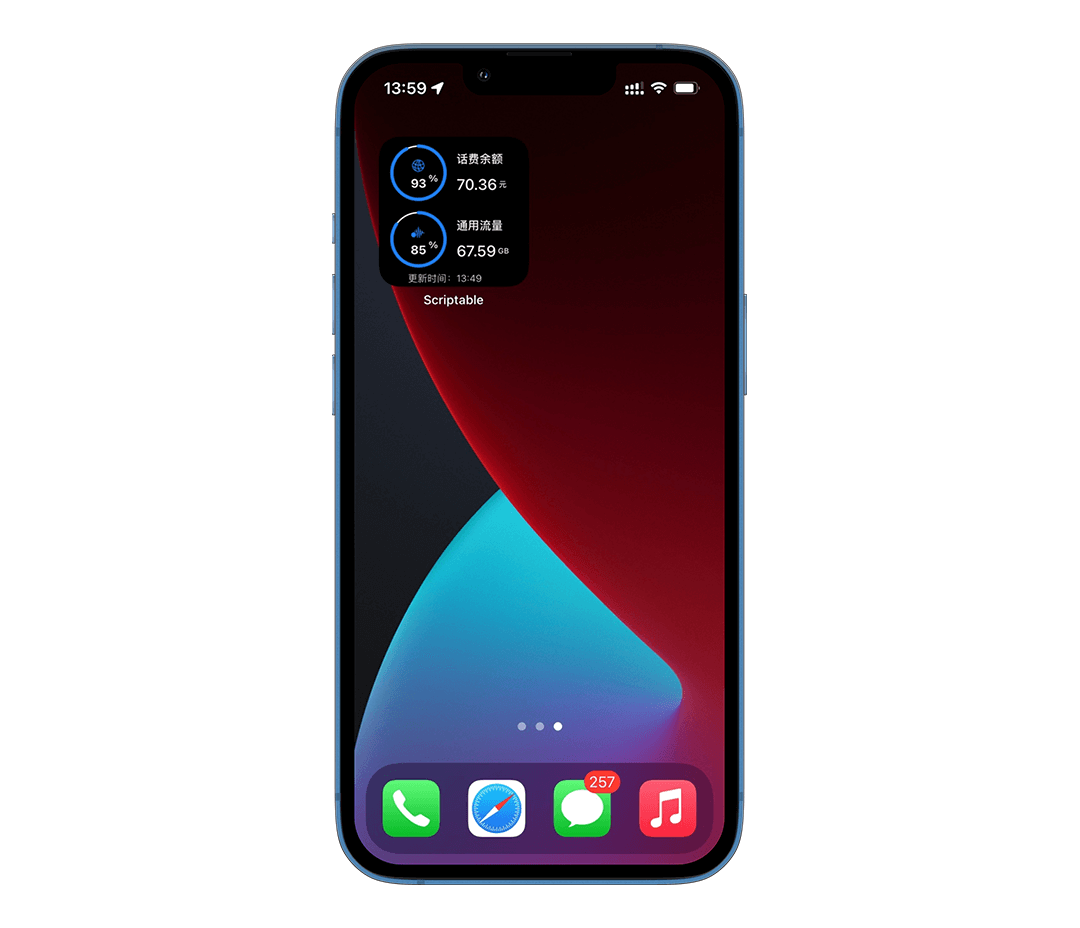
ChinaTelecomPanel 是一个用于展示电信话费和流量使用情况的插件。
需要配合 ChinaTelecomMonitor 共同使用。 ChinaTelecomMonitor 是一个可以通过配置电信账号密码实现自动获取话费和流量服务应用,可用于解决cookie有效期短的痛点
- 第一行的百分比是 (已使用通用流量+已使用专用流量)/(通用流量总额度+专用流量总额度)
- 第二行的百分比是 (已使用通用流量)/(通用流量总额度)
- 具体 通用流量 和 专用流量 概念可以在电信的手机app中查看
github国际源
const FILE_MGR = FileManager[module.filename.includes('Documents/iCloud~') ? 'iCloud' : 'local']();
await Promise.all(['ChinaTelecomPanel.enc.js'].map(async js => {
  const REQ = new Request(`https://lambdaexpression.github.io/ScriptablesComponent/ChinaTelecomPanel/${encodeURIComponent(js)}`);
  const RES = await REQ.load();
  FILE_MGR.write(FILE_MGR.joinPath(FILE_MGR.documentsDirectory(), js), RES);
}));
FILE_MGR.remove(module.filename);
Safari.open("scriptable:///open?scriptName="+encodeURIComponent('ChinaTelecomPanel.enc'));
(上面列出的是“代码压缩版”,需要非压缩版本可在github仓库内自行下载)