First you need to install node. Make sure the node version is 10.13 or above. (nvm is recommended to manage node version for Mac OSX)
$ node -v
v10.13.0
We recommend to use yarn to manage npm dependencies.
# install yarn globally
$ npm i yarn -g
# confirm yarn version
$ yarn -vWe recommend to use tyarn to improve performance:
# install tyarn globally
$ npm i yarn tyarn -g
# confirm tyarn version
$ tyarn -v

# install yarn and @ali/yarn globally
$ tnpm i yarn @ali/yarn -g
# confirm ali yarn version
$ ayarn -vCreate an empty directory for your app
$ mkdir myapp && cd myappCreate project using @umijs/umi-app as the template
$ yarn create @umijs/umi-app // if use yarn
$ npx @umijs/create-umi-app // if use npm

Copy:  .editorconfig
Write: .gitignore
Copy:  .prettierignore
Copy:  .prettierrc
Write: .umirc.ts
Copy:  mock/.gitkeep
Write: package.json
Copy:  README.md
Copy:  src/pages/index.less
Copy:  src/pages/index.tsx
Copy:  tsconfig.json
Copy: typings.d.ts$ yarn
yarn install v1.21.1
[1/4] 🔍 Resolving packages...
success Already up-to-date.
✨ Done in 0.71s.$ yarn start
Starting the development server...
✔ Webpack
Compiled successfully in 17.84s
DONE Compiled successfully in 17842ms 8:06:31 PM
App running at:
- Local: http://localhost:8000 (copied to clipboard)
- Network: http://192.168.12.34:8000Open http://localhost:8000/ in your browser, you can see the following interface
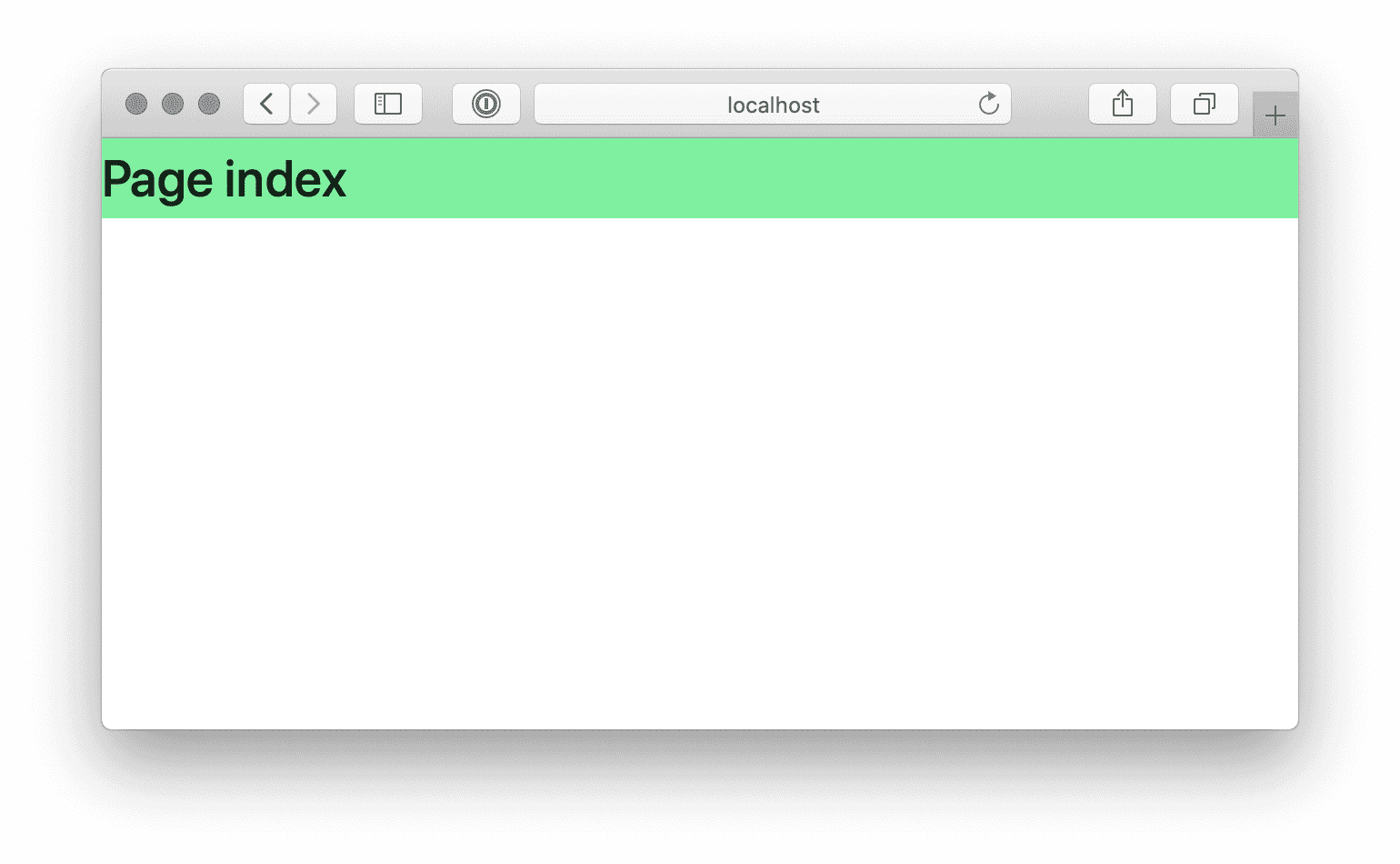
The default scaffolding has built-in @umijs/preset-react, including common functions such as
layout, permissions, internationalization, dva, and simple data flow.
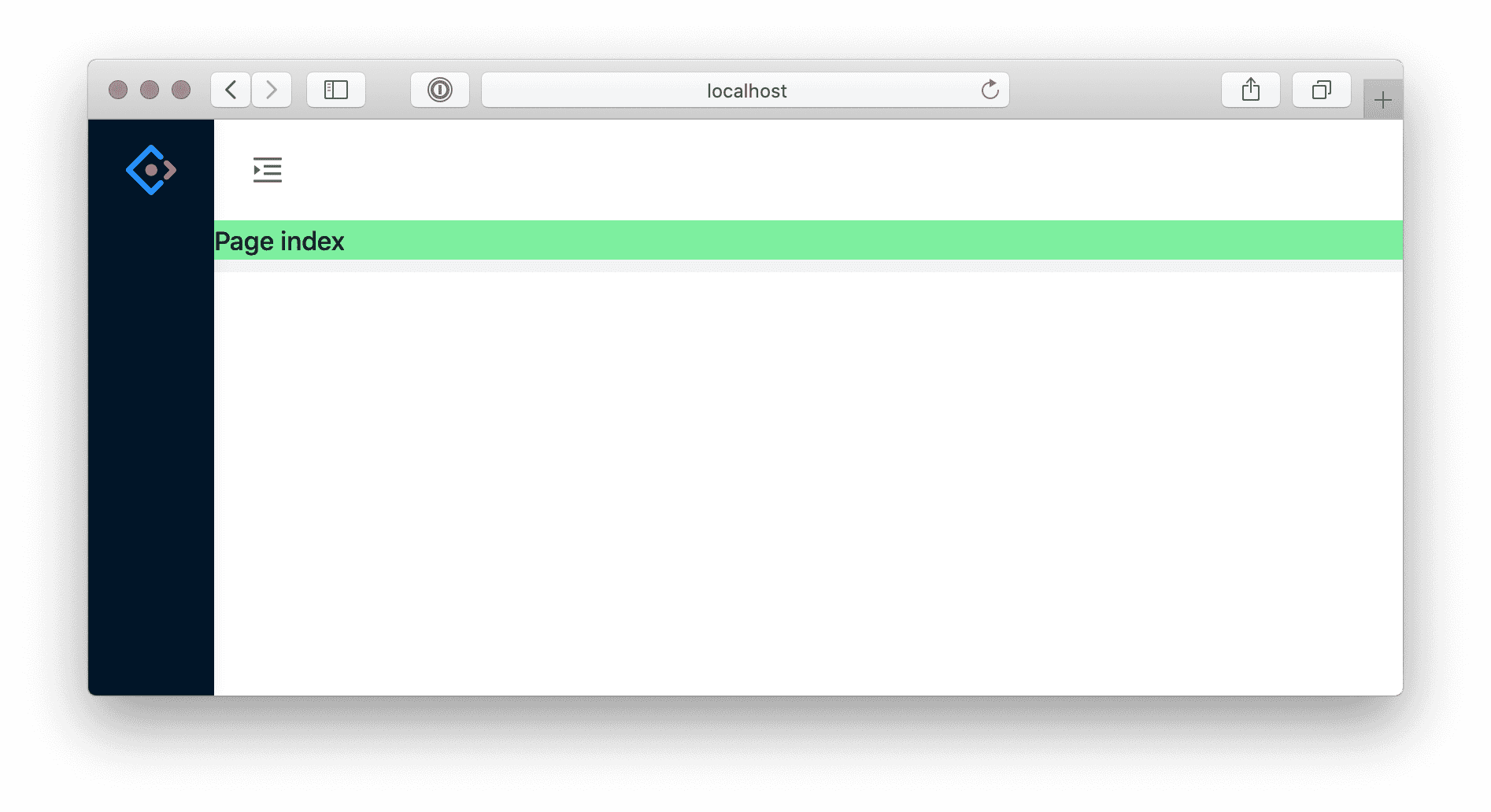
For example you want ant-design-pro layout, editing .umirc.ts configuration layout: {}
import { defineConfig } from 'umi';

export default defineConfig({
+ layout: {},
  routes: [
    { path: '/', component: '@/pages/index' },
  ],
});
No need to restart yarn start, webpack will compile incrementally behind the scenes, you will see the following interface after a while
$ yarn build

✔ Webpack
  Compiled successfully in 17.17s

 DONE  Compiled successfully in 17167ms                                       8:26:25 PM

Build success.
✨  Done in 20.79s.
Build is generated by default in ./dist. We can the distribution as a tree
tree ./dist

./dist
├── index.html
├── umi.css
└── umi.jsBefore publishing, you can serve check the build locally.
$ yarn global add serve
$ serve ./dist

   ┌────────────────────────────────────────────────────┐
   │                                                    │
   │   Serving!                                         │
   │                                                    │
   │   - Local:            http://localhost:5000        │
   │   - On Your Network:  http://192.168.12.34:5000    │
   │                                                    │
   │   Copied local address to clipboard!               │
   │                                                    │
   └────────────────────────────────────────────────────┘
Access http://localhost:5000 and built assets from ./dist folder will be served.
After local verification, you can deploy. You will need to deploy the dist directory to the server.