Skip to content

About

⚡ Dynamically generated stats for your github readmes

Resources

Stars

0 stars

Watchers

0 watching

Forks


Latest commit


History

11 Commits

Folders and files

Repository files navigation

Github Readme stats

Get dynamically generated github stats on your readmes!

How to use

Copy paste this into your markdown content and thats it. simple!

change the ?username= value to your GitHubs's username

![Anurag's github stats](https://github-readme-stats.vercel.app/api?username=anuraghazra)

Hiding certain stats

To hide any specific stats you can pass a query parameter ?hide= with an array of items you wanna hide.

Options: &hide=["stars","prs","issues","contribs"]
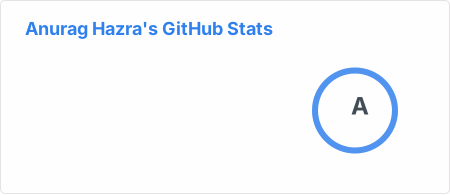
![Anurag's github stats](https://github-readme-stats.vercel.app/api?username=anuraghazra&hide=["contribs","prs"])

Showing icons

To enable icons you can pass show_icons=true in the query param like so
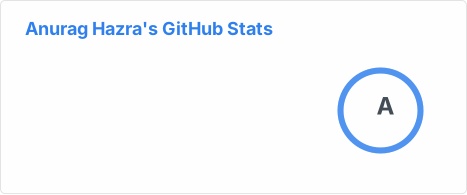
![Anurag's github stats](https://github-readme-stats.vercel.app/api?username=anuraghazra&show_icons=true)

Other options:

  • &hide_border=true hide the border box if you don't like it :D.
  • &line_height=30 control the line-height between text.

Demo

  • Default

Anurag's github stats

  • Hiding specific stats

Anurag's github stats

  • Showing icons

Anurag's github stats

Contributions are welcomed! <3

Made with ❤️ and javascript.

About

⚡ Dynamically generated stats for your github readmes

Resources

Stars

0 stars

Watchers

0 watching

Forks

Releases

Packages

Contributors

Languages