

<iframe>
pointing at its viewer page. Visitors get the full interactive viewer — orbiting the
camera, toggling levels and wall cutaways, and walking through the scene in first
person — with no accounts, SDKs, or scripts required on your side.
We rely on the same embed ourselves: the Pascal Capture iOS app
shows scenes through this exact viewer.
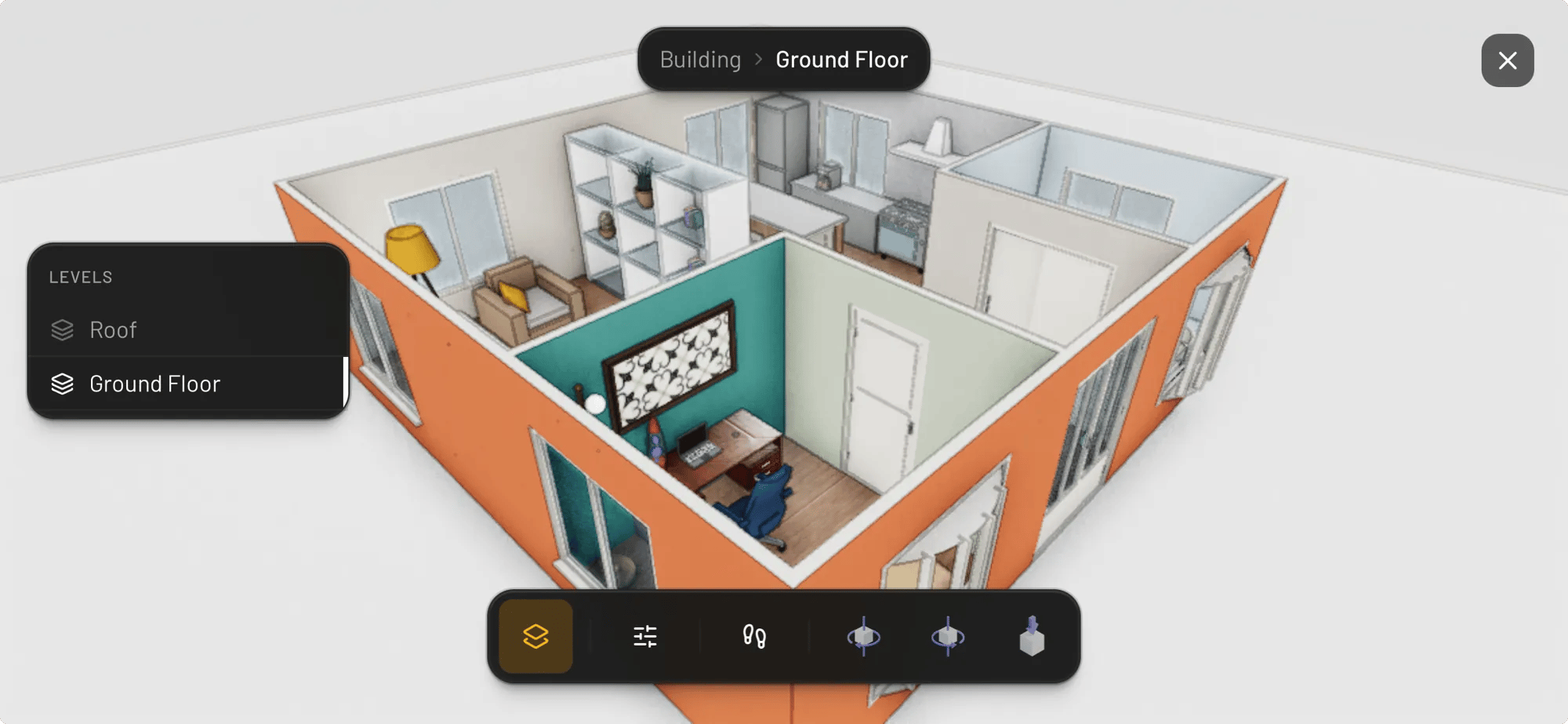
The embedded viewer inside the Pascal Capture iOS app — levels panel and controls bar included
Requirements
- The project must be public. Flip the visibility control in the editor’s top bar from Private to Public. Private projects render an access screen instead of the scene.
- Grab the URL with the Copy viewer link button next to the visibility control, or copy it from the address bar on the project’s viewer page. It has the form:
Basic embed
PROJECT_ID with your project’s id (the last path segment of your viewer
link). For a responsive embed, wrap the iframe in a container with a fixed aspect
ratio:
URL parameters
The viewer accepts two flags to reduce its chrome inside embeds. A value of1,
true, or yes enables a flag.
Signed-out visitors see a small “Get Started” card in the top-right corner of the
viewer. It is part of the hosted viewer and can’t be turned off by a URL flag.
What the embed serves
Embeds load the same thing your shared viewer link does: once a published project has finished baking, the viewer serves the optimized baked copy for fast loading, with doors and windows still interactive. Until a fresh bake is ready, it falls back to rendering the live scene. Republishing your project updates every embed automatically — the iframe URL never changes.Current limits
- An iframe is the only supported embed today. There is no oEmbed endpoint, JavaScript API, or postMessage interface.
- The starting camera can’t be set from the URL — the viewer frames the scene with its default camera.
- Only the read-only viewer can be embedded, not the editor.