Built for power users
and Purple enthusiasts
Hong Kong's first Linux distribution. A fully optimized Arch Linux experience that leverages modern tools to streamline your workflow and enhance your productivity.
      /\
     /  \
    /    \
   /      \
  /   ,,   \
 /   |  |   \
/_-'' ''-_\What makes UmmItOS different
A distribution designed from the ground up for efficiency, aesthetics, and modern workflows.
Built on Arch Linux
Rolling release, fully optimized. Uses Arch Linux as its foundation with an automated setup compatible with Arch and EndeavourOS.
Hyprland + Quickshell
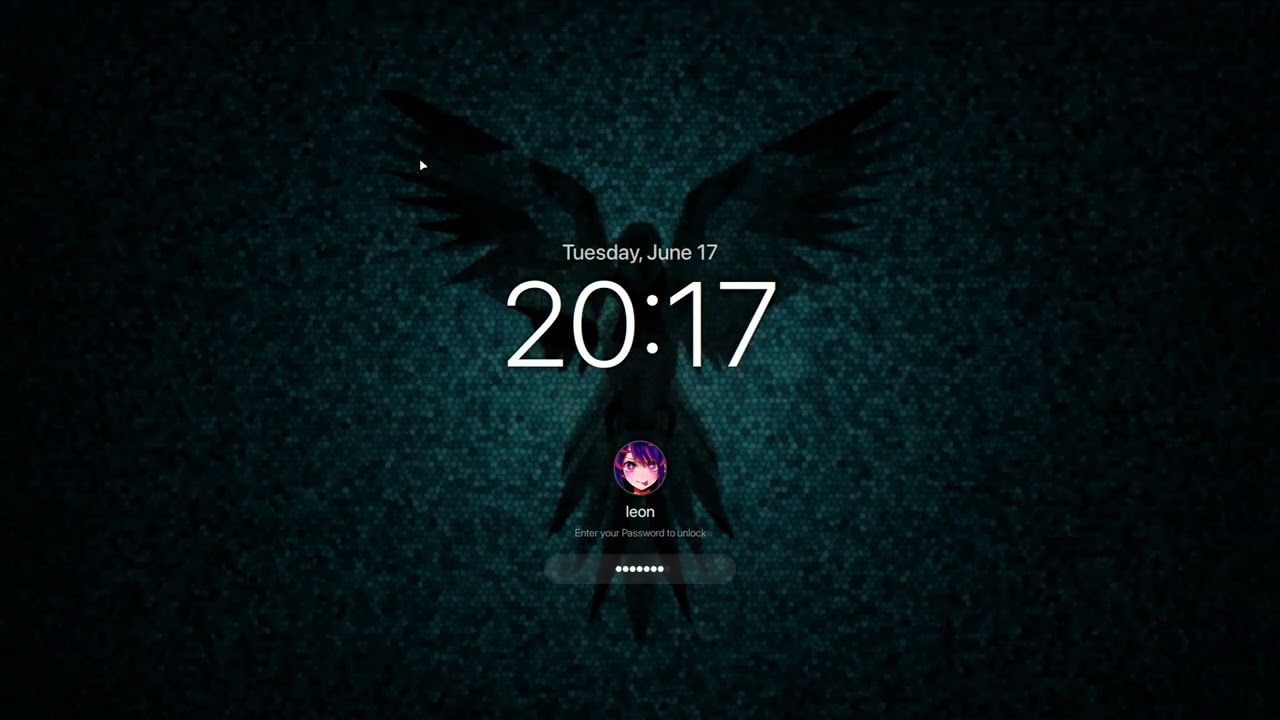
Dynamic tiling Wayland compositor paired with a custom Quickshell desktop shell: bar, launcher, notifications, lock screen and more in one integrated interface.
One-Command Setup
Single command installs everything. Modular — every step is optional and can be skipped individually.
Curated Software Stack
Kitty, Zsh, Neovim, Yazi, Starship, Fastfetch, and the Quickshell shell. Pre-configured and ready to go out of the box.
Hardware Auto-Detection
Automatically detects AMD GPUs for Mesa/Vulkan drivers and laptop hardware for brightness and media controls.
Post-Install Configurator
Interactive script that guides you through final system configuration with a settings inspector mode.
Explore the documentation
Everything you need to get started with UmmItOS.
Get started in one command
Works on any Arch Linux or EndeavourOS installation.
❯ bash <(curl -fsSL https://raw.githubusercontent.com/UmmItOS/UmmItOS/HEAD/setup.sh)Powered by modern tools
A carefully curated stack of modern applications, pre-configured and ready to use.
See it in action
A quick walkthrough of the UmmItOS desktop experience.
Ready to get started?
Jump into the documentation or visit the GitHub repository to begin your UmmItOS journey.